Every Sunday at 23:59 Amsterdam time the clock stops, the numbers freeze, and the week's most-viewed videos take their place in the rankings. That weekly rhythm is the heart of Weekly Most Views. But creative work rarely fits into one weekly sprint.
Behind every video are photo shoots, behind-the-scenes moments and visual stories that deserve to be seen long after Sunday night. Creators should not have to choose between competing and building a lasting portfolio. That is why we are introducing WMV Discover, together with a redesigned My Feed studio for creators.
What is WMV Discover?
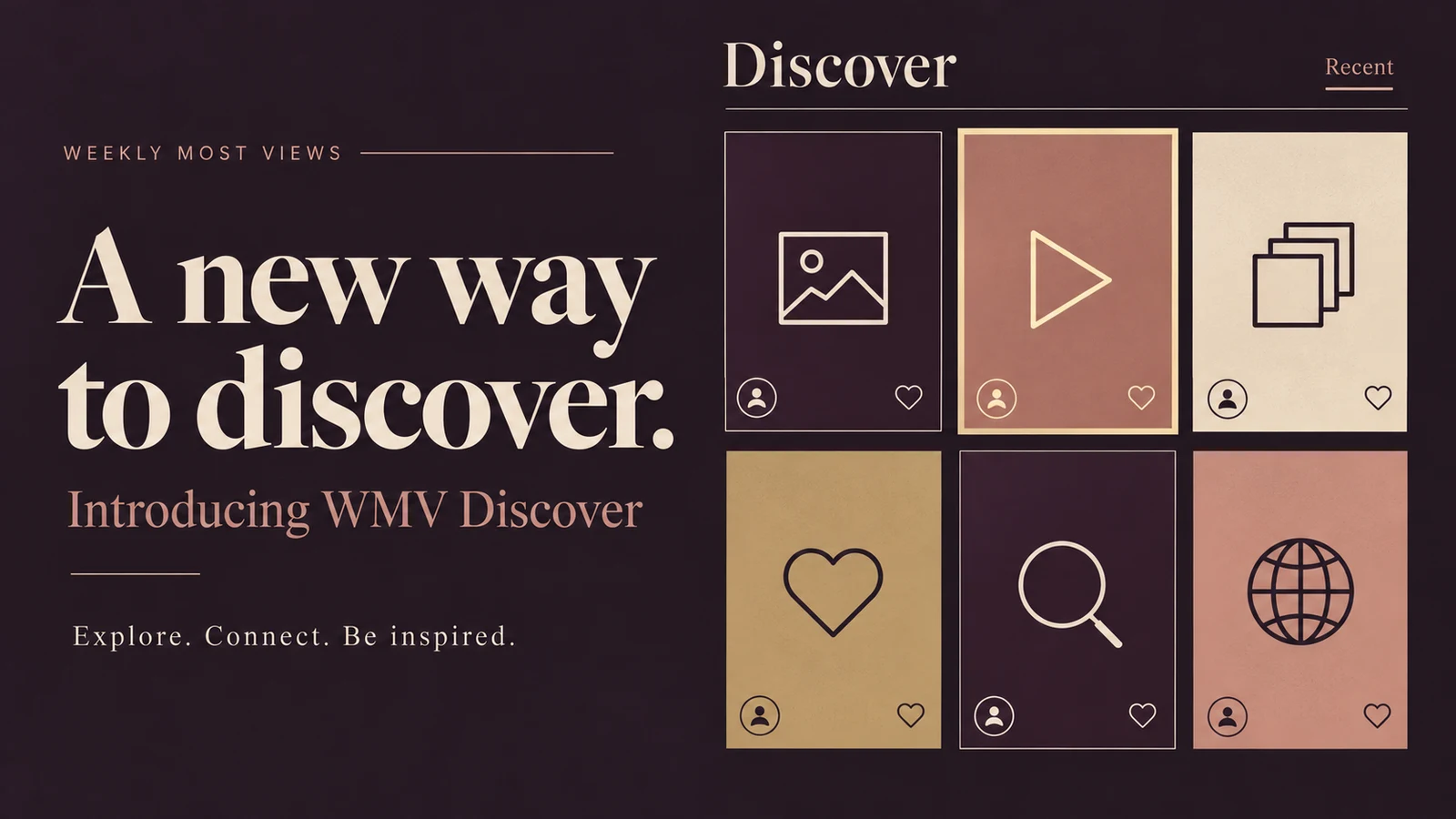
Discover is a visual feed of posts from WMV creators. It is built as a calm gallery space rather than a noisy timeline: photos, multi-photo posts and videos, shown with care and linked to the creator who made them.
- Browse everything or switch to Recent to see the newest posts first.
- Filter by media type or by country, or search for a specific creator.
- Every post links to the creator's WMV profile, where a Posts tab shows their published work.
- Each post has its own page, so it can be shared directly.
A new My Feed studio for creators
Alongside the public feed, we have redesigned the My Feed page in the creator dashboard. The plain white layout has made way for WMV's warm plum and champagne style, and creating a post has been simplified into two clear steps.
- Choose media: upload new photos or videos from your device, or pick existing items from your WMV library.
- See your order: each selected item shows a number for the order in which it will appear.
- Finish your post: set the order, choose a cover and write a caption.
- Manage everything in one place: drafts, published posts and archived posts each have their own tab.
Ownership and fairness come first
Discover was designed to respect creators' work. Posts refer to media in the creator's own library instead of making copies. Discover is connected to the WMV Copyright Center, so a reported file can be restricted individually while a case is reviewed. Views on Discover posts are counted separately and never change the weekly or annual rankings — competition results remain based on ranked views only.
How to publish your first post
- Sign in to your creator account and open My Feed in your dashboard.
- Click Create post.
- Upload media from your device or pick items from your library.
- Set the order, choose a cover and add a caption.
- Publish — or save it as a draft to finish later.
The spotlight is yours
Weekly Most Views has always been about celebrating women who create with ambition and style. With Discover and the new My Feed studio, creators now have both: the excitement of the weekly rankings and an elegant place where their work can keep shining. Sign in, explore Discover and share what you have created.